Page To Do

Page To Do brings task management directly into Sitecore XM Cloud’s Page Builder, enabling content editors, developers, and stakeholders to collaborate more effectively within the authoring environment. By embedding a shared checklist on each page, it allows teams to track tasks, reminders, and action items in context - without switching to external tools like spreadsheets or project management platforms. This keeps everyone aligned and focused on what needs to be done for each specific page.
Each checklist is visible to all users with access to the page, making it easy to assign tasks, mark items as complete, and maintain visibility across the content lifecycle. Whether it's noting a pending SEO review, flagging a broken link, or coordinating a final approval, Page ToDo ensures that work items stay connected to the content they relate to. The plugin supports real-time updates, intuitive UI, and integrates seamlessly with Sitecore’s editing experience, helping teams stay organised and efficient throughout the publishing process.
Plugin Features
Shared Checklist Across All Pages
Page ToDo introduces a unified checklist system that appears consistently across all pages within Sitecore’s Page Builder. This ensures that tasks, reminders, and action items are visible to all contributors, regardless of which page they’re working on. It promotes transparency and keeps teams aligned on what needs to be done across the entire content landscape.
Inline Task Management
Users can create, edit, delete, and mark tasks as complete directly within the Page Builder interface - no need to switch to external tools or platforms. This embedded functionality keeps task management contextual and efficient, allowing contributors to stay focused on the page they’re editing while tracking progress in real time.
Customisable Checklist Titles
Each checklist can be given a custom title to reflect the nature of the tasks (e.g., “SEO Review,” “Final QA,” or “Launch Prep”). Tasks can be edited inline, enabling quick updates and reducing friction during content creation and review.
Getting Started:
To begin using the Page ToDo plugin in your Sitecore XM Cloud instance, follow these steps:
Install the App
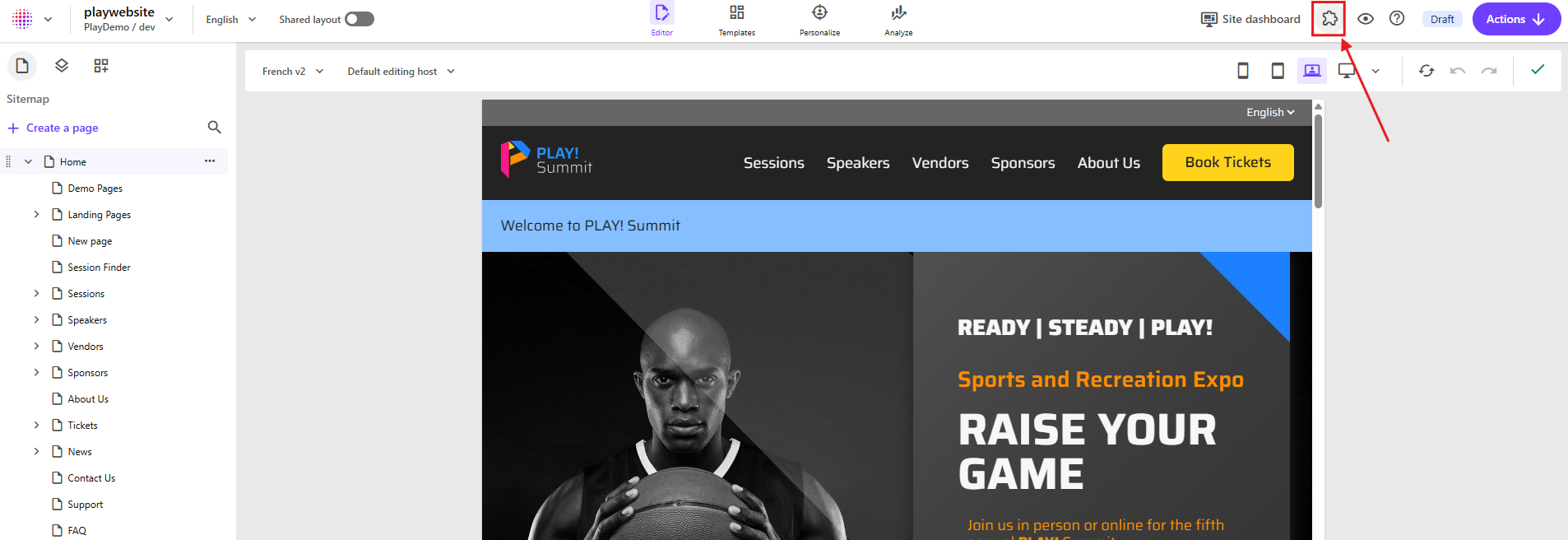
Once installed, open Page Builder - you’ll see the plugin panel appear in the right-hand sidebar, when you click "Apps" icon.
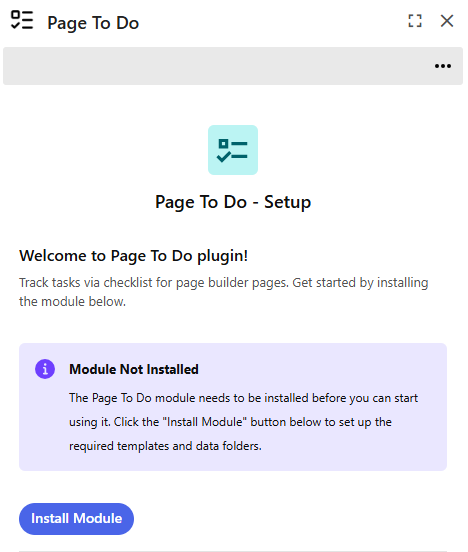
Initial Module Installation
On first launch, the plugin automatically checks whether the required Sitecore templates and data folders are present. If not, it will prompt you to click the “Install Module” button. This step creates the necessary infrastructure to support shared checklists across pages.
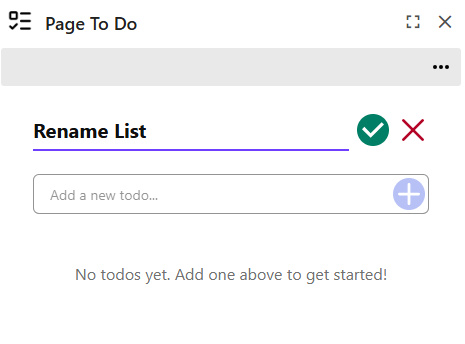
Verify Installation
After installation, the shared checklist panel will become active. You should see a default checklist interface on each page, ready for task input. If the checklist does not appear, refresh the Page Builder or verify that the module installation completed successfully.
Customise Your Experience
You can rename the checklist title to suit your workflow (e.g., “QA Tasks” or “Launch Prep”) by hovering the title. These features help streamline updates and keep task management efficient.
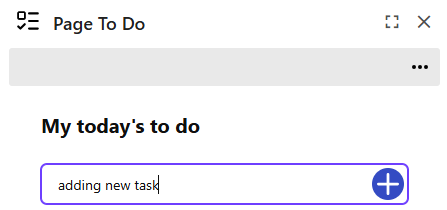
Start Adding Tasks
Begin using the checklist by adding tasks directly within the panel. Tasks can be created, edited, deleted, and marked as complete—all without leaving the Page Builder interface.
Reorder Your Tasks
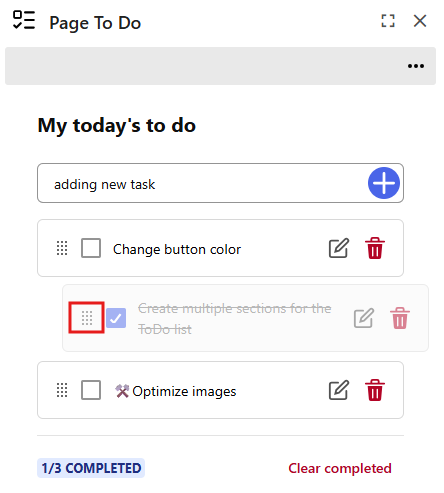
Organize your checklist by dragging tasks to rearrange their priority. Simply click and hold the drag handle dots next to each task, then drag it to your desired position. This makes it easy to keep your most important tasks at the top without leaving the Page Builder interface.
Collaborate Across Teams
All users with access to the page will see the same checklist, making it easy to coordinate efforts, track progress, and ensure accountability across content and development teams.